

AI & Automation
How US Businesses Are Using MCP to Connect AI Agents With Business Tools in 2026
Explore how US businesses can connect AI agents to CRMs, support tools and internal data with MCP, plus practical use cases, costs and security controls.
WanderCode Team
11 min read
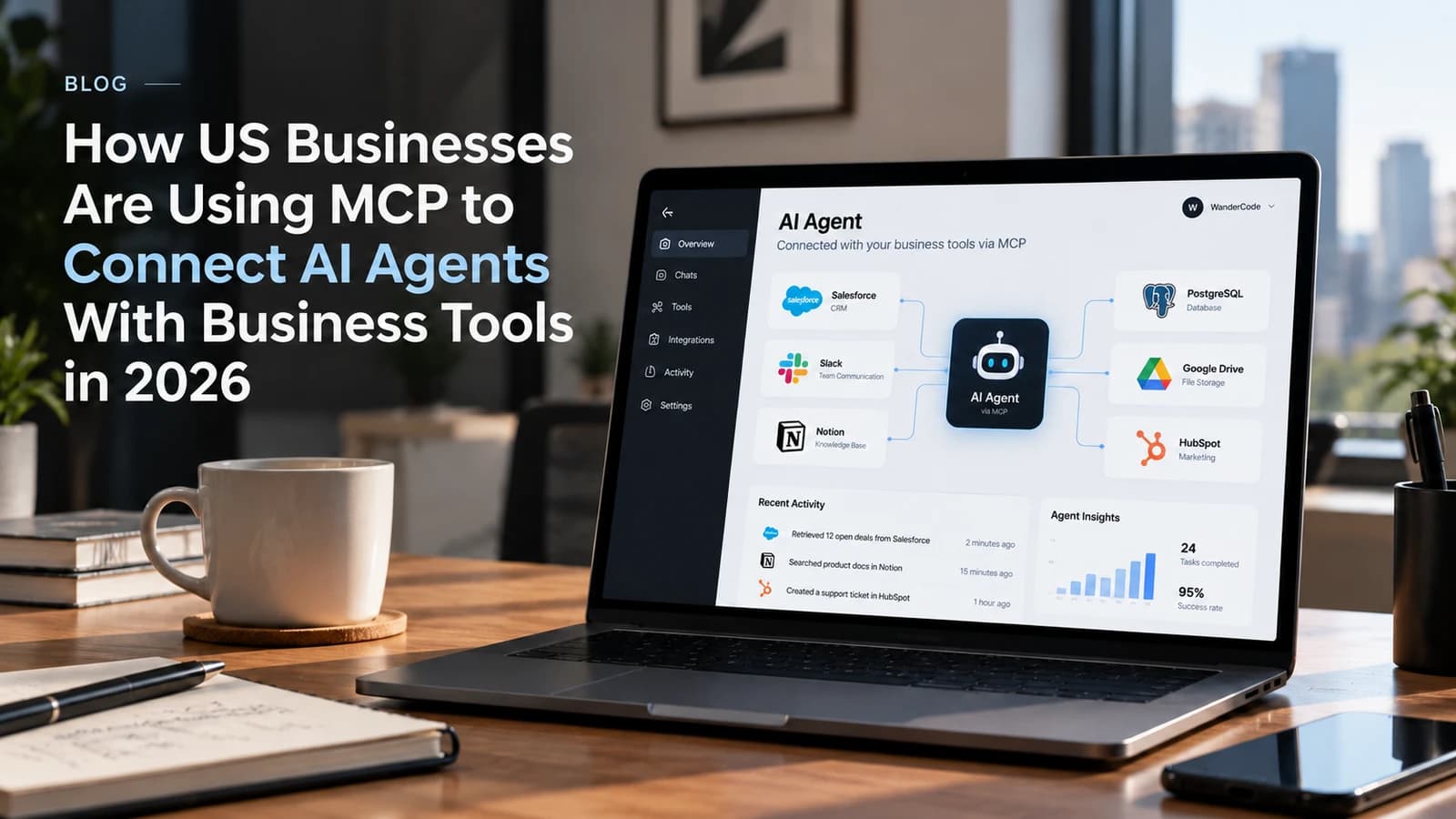
An AI assistant can summarize a sales report in seconds. Asking it to check live deals in a CRM and update a customer record is a different task. The information sits inside business software. The assistant can't see that information or change it unless someone builds a connection and sets the right permissions.
That gap is one reason Model Context Protocol (MCP) has gained attention in 2026. It gives AI applications a common way to work with external systems. For companies investing in AI agents, the question is no longer just what an AI model can say. It is what the system can safely do with real business data.
What Is Model Context Protocol (MCP)?
Model Context Protocol is an open standard that helps AI applications connect with tools and data sources. An MCP server makes selected functions available to a compatible AI application. Those functions might search customer records, check inventory or retrieve an internal document.
Think about a sales manager asking an AI assistant: "Which deals are waiting for a follow-up this week?"
To answer with current information, the assistant needs access to a CRM. An MCP connection can expose an approved search function. The assistant calls that function and uses the returned data to prepare its response.
MCP does not replace the CRM or its API. It describes how an AI application discovers and calls the functions made available through an MCP server. The business still controls which functions exist and who may use them.
How Does MCP Connect AI Agents to Business Tools?
There are three parts worth understanding:
- The AI application: The assistant that receives a request from a user.
- The MCP client: The part of that application that communicates with an MCP server.
- The MCP server: The component that exposes approved tools or information from a business system.
A basic workflow looks like this:
Employee request → AI application → MCP server → Business system → AI response
For example, an employee asks an agent to check an order status. The agent selects a permitted order lookup tool. The MCP server calls the store's backend or another connected service. It returns the result to the AI application. The agent then explains the order status to the employee.
The same connection can expose actions such as creating a support ticket or updating a record. Those actions need tighter permissions than a simple search. Sensitive changes should require a person's approval.
MCP also supports resources and prompts alongside executable tools. The distinction matters because reading a document is different from changing an invoice.
Why Are US Technology Companies Investing in MCP?
MCP is moving beyond small developer experiments. Recent announcements from major US technology companies show growing interest in shared connection standards for AI applications.
In April 2026, Google Cloud announced more than 50 managed MCP servers across its services. Some were generally available while others were in preview. The goal was to make Google Cloud capabilities accessible to supported AI applications without asking teams to manage a separate local server for each connection. Google Cloud
In August 2026, Salesforce announced an expansion of Headless 360 that includes MCP servers. Its focus was on letting authorized AI agents discover and use business capabilities across the Salesforce platform. Salesforce
The MCP project also published an updated specification in July 2026. Changes included a stateless protocol core and stronger authorization guidance. These developments matter for businesses that need AI connections to work across cloud infrastructure and existing security systems. MCP specification
This activity signals industry investment. It does not mean an MCP implementation will deliver results on its own. Companies still need a clear use case and sound engineering.
Five Practical MCP Use Cases for US Businesses
The following examples are possible applications of MCP. They illustrate how a company could design an integration rather than describing confirmed deployments at specific businesses.
1. Sales Teams: Connect an AI Agent to CRM Data
Sales reps spend time reviewing deals and preparing for calls. An agent connected to approved CRM functions could retrieve open opportunities, identify records missing a next step and prepare a daily summary.
A useful first version would be read only. Once the team trusts the results, it could consider approved actions such as drafting a follow-up task. Automatically changing deal stages without a review would carry more risk.
2. Customer Support: Bring Order Data Into Conversations
A support agent often switches between a help desk and an order management system. With a suitable MCP integration, an AI assistant could retrieve order status and help the support representative respond with current information.
Refunds and cancellations should follow existing company rules. The assistant may recommend an action, but the final transaction can remain under staff control.
3. Operations: Answer Questions Across Internal Systems
An operations lead might ask why a shipment is delayed. The answer could require checking warehouse records and a shipping service. MCP servers can make selected lookups accessible through a common interface.
The result is useful only if the underlying records are accurate. Connecting a model to outdated data will not make the answer reliable.
4. Finance Teams: Retrieve Reports Without Exposing Payment Controls
A finance analyst could ask for overdue invoice totals or a list of unpaid accounts. An MCP server can expose reporting functions while keeping payment execution outside the agent's permissions.
Financial information also requires careful attention to access rules and logging. A staff member should only see information their role allows.
5. Internal Knowledge: Search Approved Documents
Companies store procedures in shared drives and internal portals. An AI assistant connected through MCP could search approved documents and cite the relevant source for an answer.
Document access should still reflect the employee's permissions. Search results from a restricted folder must not appear just because the AI application has a broad system connection.
MCP vs Traditional API Integration: What Changes?
An ordinary API integration can connect an application with a CRM or database. That has been possible for years. MCP is not a replacement for well designed APIs.
The difference is the interface exposed to an AI application. Instead of building a separate tool description and calling pattern for each AI client, teams can expose supported functions through MCP. Compatible clients can discover those functions using the same protocol.
That can make it easier to reuse an integration across AI applications. But a custom MCP server still needs engineering work if the underlying system has no suitable connector. Authentication, error handling and business rules remain part of the project.
For a single fixed workflow, direct API calls may be simpler. MCP becomes more attractive when several AI agents or applications need access to a shared set of business tools.
What Are the Security Risks of MCP?
Giving AI agents access to company systems creates real risk. An agent could call the wrong tool, misunderstand a request or act on instructions hidden in retrieved content. Poorly configured permissions could expose records that a user should never see.
MCP defines a communication standard. It is not a complete security system.
Before moving an MCP integration into production, a business should address these controls:
- Access boundaries: Restrict tools and records according to the user's role.
- Limited permissions: Keep search functions separate from actions that edit or delete data.
- Approval steps: Require human confirmation for refunds, record changes and other sensitive tasks.
- Input validation: Check the values sent to tools before executing requests.
- Audit logs: Record which user requested an action and which tool was called.
- Testing: Check misleading instructions, unexpected responses and permission failures.
The MCP specification includes security considerations for tool implementations, including input validation and access controls on servers. Sensitive operations should also involve user confirmation. Security must be designed around the actual business workflow rather than added at the end.
How Much Does an MCP Integration Cost?
There is no universal price for an MCP project. The work depends on the systems involved and what the agent is allowed to do.
Connecting a read only internal search tool may be relatively straightforward if the company already has a stable API. A production system that updates CRM records across departments requires more work. Teams may need custom authentication, permission mapping, approvals, monitoring and error recovery.
A useful estimate starts with five questions:
- Which business system does the agent need to access?
- Does that system offer a supported MCP server or a usable API?
- Will the agent read data, change data or both?
- What information requires restricted access?
- How will the business measure success after launch?
Instead of starting with a companywide rollout, choose one task and measure its results. Track time spent, task accuracy, tool failures and human corrections. Those findings can guide the next phase.
It's easier to judge the return after a small pilot than after a costly rollout.
How to Start Using MCP in Your Business
The strongest starting point is a process that staff repeat often and that depends on information already stored in business systems.
Step 1: Choose a specific task. For example, let a support assistant look up order statuses. Avoid giving the agent broad access to the entire store platform.
Step 2: Review the existing software. Check available APIs, MCP support, authentication methods and permission settings.
Step 3: Start with read only access. Let the assistant retrieve a small set of approved information before introducing actions that change records.
Step 4: Test realistic requests. Include incomplete customer details, expired access tokens, missing records and attempts to reach restricted data.
Step 5: Measure the result. Compare the new workflow with the old one. Watch response quality, employee time and correction rates.
Businesses planning custom AI agents can work with an experienced development team to assess their systems and design the required connections. WanderCode's AI development services focus on building AI applications and integrating them with existing software.
If the pilot works and the controls hold up, the team can expand to more tools or business processes. If it creates more review work than it saves, change the design before adding features.
Is MCP the Right Choice for Your Company?
MCP makes sense when a business wants AI applications to work with approved data and tools across existing systems. It is especially relevant for teams building internal assistants, customer support agents and AI features inside SaaS products.
It is not required for all AI projects. A document summarizer with no external tools may have no need for MCP. A simple scheduled workflow may work better with an existing automation service or a direct API connection.
The best choice depends on the job. Start with the business problem. Then choose the integration method that solves it with the least unnecessary complexity.
Frequently Asked Questions
What does MCP stand for in AI?
MCP stands for Model Context Protocol. It is an open standard for connecting AI applications with external data and tools.
Can MCP connect an AI agent to Salesforce or other CRMs?
Yes. An agent can work with CRM capabilities exposed through a compatible MCP server. Available actions depend on the connector and the permissions granted to the user.
Is MCP safe for business data?
MCP can be part of a secure integration but safety depends on implementation. Access restrictions, approval rules, tool validation and logging still need to be in place.
Do businesses need MCP to build AI agents?
No. AI agents can use direct APIs and other integration methods. MCP is useful when a shared tool interface helps multiple AI applications work with business systems.
Can a small business use MCP?
Yes. A smaller company can start with one narrow use case. The decision should depend on the software it uses and the time saved rather than the company's size.
Connect Your AI Agent to the Tools Your Team Uses
AI becomes more useful when it can work with accurate information inside the systems people already use. MCP offers one way to build those connections. The challenge is choosing the right actions and keeping control of business data.
WanderCode develops AI agents and custom software integrations for businesses that want practical automation. Discuss your business requirements with our team and explore how an AI agent could connect with your existing software.
Related Blogs
AI & Automation
AI Coding Agents Are Writing More Code. Who Is Responsible for What They Ship?
AI coding agents can create code faster than teams can review it. Here is how to keep changes focused, assess risk, and retain clear ownership of production releases.
AI & Automation
The Real Cost of AI Automation in 2026: Where Your Money Goes and How to Cut the Bill
Understand where AI automation spending goes, from models and agent loops to RAG, infrastructure, and human review, and learn how to reduce the bill.
AI & Automation
Is n8n the Future of AI Automation? What AI Agents Can—and Still Can’t—Do in 2026
n8n is changing how businesses build AI-powered workflows. Explore what AI agents can automate today, where human control still matters, and what the future of AI automation may look like.
SEO & Marketing
Your Website Is Ranking on Google. So Why Are Fewer People Clicking?
How AI Search Is Changing Organic Traffic and What Businesses Can Do About It in 2026