

AI & Automation
The Real Cost of AI Automation in 2026: Where Your Money Goes and How to Cut the Bill
Understand where AI automation spending goes, from models and agent loops to RAG, infrastructure, and human review, and learn how to reduce the bill.
WanderCode Team
10 min read
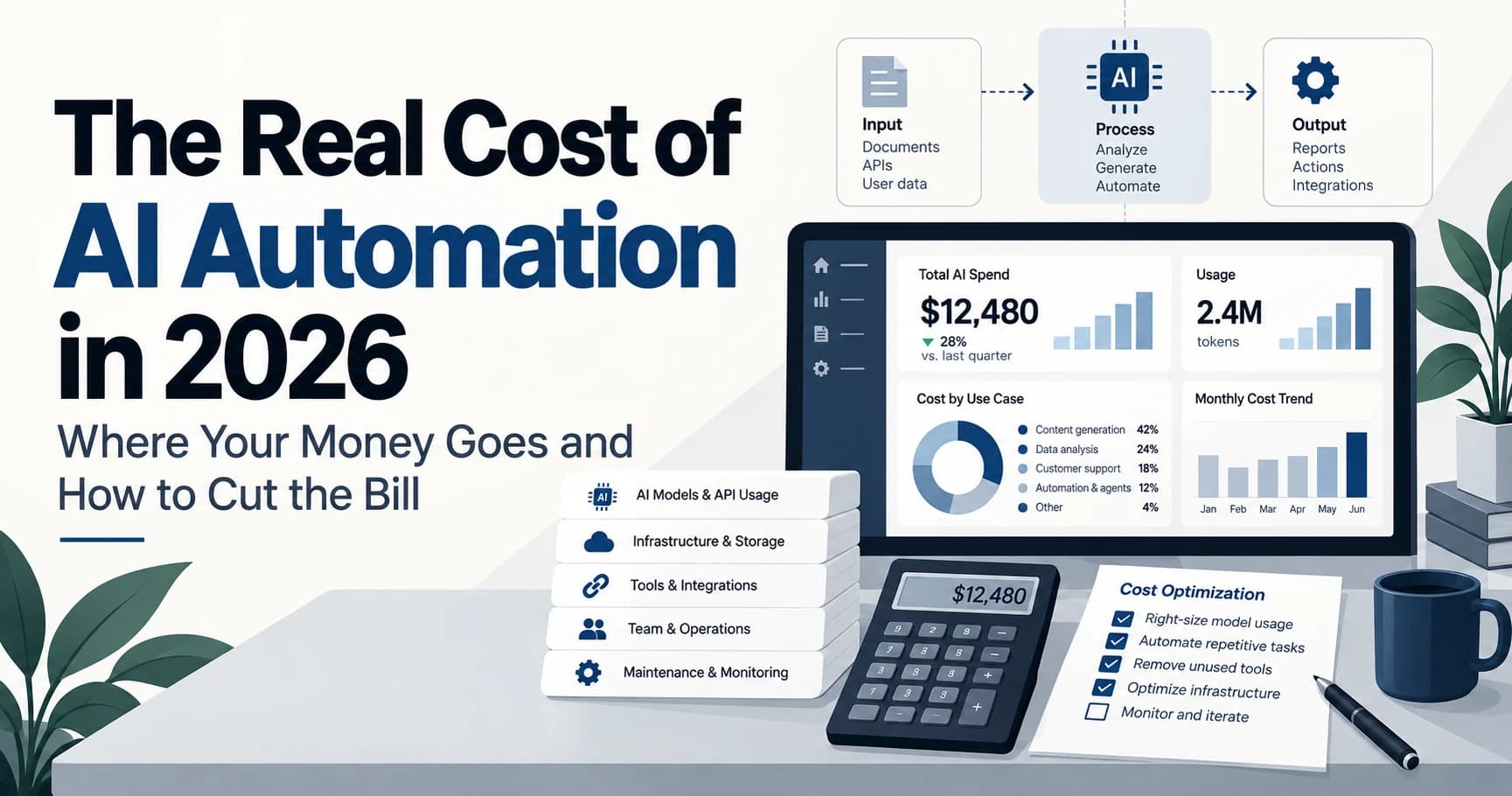
AI automation often looks cheap during testing. A few API calls may cost very little and a small internal tool may run for weeks without creating a serious bill. The situation changes when real users arrive. More requests create more token usage. Conversations become longer. AI agents start calling tools. RAG starts pulling company data. Failed tasks create retries. Strong models begin handling work that does not always need advanced reasoning.
The result is a growing AI bill. The problem is not always AI itself. In many cases the real issue is how the system has been designed. AI automation cost can include model usage. Tool calls. RAG. Infrastructure. Failed requests. Monitoring. Human review. Many of these costs can be reduced without making the system less useful.
How Much Does AI Automation Cost?
There is no single monthly price for AI automation. A better way to understand the cost is to look at the full system. Model cost is only one part. Tool usage. Infrastructure. Failed work. Human review and retrieval can also affect the final amount.
The same workload can cost very different amounts depending on the model used and how the application works. A cheaper model can still become expensive if it gets called too many times. A stronger model can still make financial sense if it is only used for tasks that actually need deeper reasoning. This is why architecture matters as much as model pricing.
A Real Cost Example
Imagine an AI customer support system handling 100000 requests each month. Assume each request uses around 4000 input tokens and 500 output tokens. That creates roughly 400 million input tokens and 50 million output tokens every month.
If all of those requests use GPT 6.1 Sol then the input cost can reach around $800 and the output cost can reach around $500. That creates a model bill of about $1300 per month.
This number only covers model usage. It does not include search tools. Databases. RAG storage. Hosting. Monitoring. Voice services. Failed calls or human review. The actual operating cost can therefore be higher.
The important question is not only how much the model costs. The better question is where the money is being used without creating enough value.
Expensive Models for Simple Tasks
One of the most common problems is using the strongest model for all requests. A request such as “Where is order 4821?” may only need an order lookup and a short response. A request involving duplicate payments and refund policy may need much more reasoning. These two tasks don't need the same model.
A better system can classify the request before choosing which model should handle it. A simple request can go to a lower cost model. A complex request can go to a stronger model. A sensitive request can go to a stronger model and then require human approval.
This approach is known as model routing. In our example a system using a stronger model for all requests could cost around $1300 per month. If 80 percent of requests move to a lower cost model while 20 percent stay on the stronger model then the model cost could fall to around $312. That is a difference of about $988 per month in this example.
The exact saving will change from one system to another. The rule is still simple. Don't pay for advanced reasoning when the task does not need it.
Repeated Context Can Increase Cost
Many AI applications send the same information with each request. This may include system instructions. Company rules. Product information. Tool instructions. Support policies and other reference content.
If most of the prompt remains the same then the system keeps processing repeated information. At small scale this may not matter much. At larger scale it can become a noticeable part of the bill.
Prompt caching can help in workloads where the same context is reused. Stable instructions can stay together at the beginning of the prompt. Changing user information can appear later. A useful structure is System Instructions → Tool Definitions → Company Rules → User Context → Current Request.
This does not remove the need for good prompt design. It simply helps reduce unnecessary processing when the same information keeps appearing again.
Agent Loops Create Extra Calls
A basic chatbot may work as User → Model → Answer. An AI agent can be much more complex. A request may move through User → Model → CRM → Model → Payment API → Model → Final Answer.
That extra work can be useful because agents often need several steps to complete a task. The problem begins when the agent has weak limits. It may repeat a search. It may call the same tool more than once. It may retry a failed action too many times. It may continue reasoning after the work is already complete.
One user request can therefore turn into several paid model calls. At low traffic this may be easy to ignore. At high traffic it can become expensive.
The fix is to give the agent clear boundaries. Set maximum model steps. Limit tool retries. Define stop conditions. Limit tool access. Move fixed decisions into normal application code. A cleaner flow is Request → Required Steps → Required Tools → Stop Condition → Final Answer.
AI agents should be allowed to reason. They should not be allowed to waste calls.
Too Much RAG Context
RAG helps AI systems answer questions using company data. This can include policies. Product documents. Support articles. Contracts. Internal guides and technical documentation.
The problem is not RAG itself. The problem is poor retrieval. A user may ask one simple question while the system sends many large document sections to the model. Only a small amount of that information may actually matter.
The rest still increases token usage. It can also make the model work harder to find the correct answer.
A better RAG setup retrieves less information with higher relevance. Better document chunking can help. Metadata filters can remove unrelated content. Reranking can improve which sections reach the model. Retrieval limits can stop the system from sending unnecessary text.
The goal is not to send everything the model can read. The goal is to send the smallest amount of trusted information required to answer the question correctly.
AI Should Not Replace Normal Software Rules
Not every automation task needs AI. Imagine a refund policy where requests below $20 are automatically approved. Requests from $20 to $100 need manager review. Requests above $100 go to finance.
Once the refund amount is known there is no reason to ask a language model which path should be selected. Normal application code can make that decision.
AI can still help earlier in the process. It can understand the customer message. It can identify intent. It can extract an order number. It can classify the issue. Once that uncertain information becomes structured data the fixed business rule can run through normal software.
A better workflow looks like Customer Message → AI Understands Intent → Structured Data → Normal Business Rules → Action.
AI handles uncertainty. Normal software handles fixed rules. This can reduce model usage and make the system easier to control.
The Costs That Do Not Appear in the Model Bill
The model invoice is not the full cost of an AI product. Search services. Voice tools. CRM calls. External APIs. Servers. Databases. Vector storage and queues can all add operating cost.
Failed work matters too. Retries. Timeouts. Invalid responses and agent mistakes still consume resources. Human review also has a real cost even though it does not appear on the model invoice. Approval work. Quality checks. Support escalation and manual corrections can all increase the true cost of the workflow.
This is why a low token bill does not automatically mean the AI system is cheap to operate.
Measure Cost Against a Business Result
Token usage is useful for engineering teams. Business outcome is more useful for decision makers.
A support system should track cost per resolved ticket. A sales system should track cost per qualified lead. A document workflow should track cost per processed document. An AI agent should track cost per completed task.
This gives a better answer to the real question. Is the AI system creating more value than it costs?
A system that costs more per request may still be the better system if it completes more work successfully and reduces human effort.
What a Better AI Cost Architecture Looks Like
A cost efficient workflow can look like this:
User Request → Model Router → Relevant Context → AI Where Needed → Normal Code for Fixed Rules → Human Approval for Sensitive Actions → Final Response → Cost Tracking
This structure makes cost decisions before expensive work happens. It also makes the system easier to monitor and easier to improve.
Before changing an entire AI stack the team should understand which model handles each task. How many tokens one task uses. How many model calls happen per request. How much context is repeated. How much RAG data is retrieved. How many retries occur. Which decisions can move to normal code. Most importantly the team should know what one successful business outcome costs.
If the team can't answer that last question then cost optimization should start there.
Final Thoughts
AI automation does not usually become expensive because of one large mistake. Cost often grows through several small technical decisions.
A strong model handles an easy request. A prompt carries too much context. An agent makes too many calls. RAG sends too much information. A fixed business rule gets sent to a language model.
Each issue may look small on its own. At scale they add up.
A better AI system uses strong models only where they are needed. It caches repeated context. It controls agent steps. It retrieves focused information. It uses normal software for fixed rules. Most importantly it measures spending against a real business result.
That is how AI automation can scale without allowing the monthly bill to grow without control.
Frequently Asked Questions
Why is my AI automation cost increasing?
AI automation costs can increase because of expensive models. Large prompts. Too many agent calls. Poor RAG retrieval. Failed requests and unnecessary tool usage. The first step is to find which workflow is responsible for the largest amount of spending.
How can I reduce AI costs?
Start by reviewing model routing. Prompt caching. RAG retrieval. Agent limits. Response length and retry behaviour. Fixed business rules should move back to normal software when AI is not required.
Are AI agents expensive?
They can be because one task may trigger several model calls and several tool calls. Good agent design can control this by limiting steps and stopping unnecessary work.
Should I always use the cheapest AI model?
No. A cheaper model can become more expensive if it fails often or requires repeated calls. The better choice is the lowest cost model that can complete the task at the required quality.
Need Help Reducing Your AI Automation Cost?
If your AI product works but the operating cost keeps growing then the first step is understanding where the money is going.
WanderCode can review model usage. Agent behaviour. RAG architecture. API usage. Infrastructure. Retry logic and workflow design.
The goal is to spend AI budget where intelligence creates real value and remove waste where normal software can complete the same work for less.
Related Blogs
AI & Automation
AI Coding Agents Are Writing More Code. Who Is Responsible for What They Ship?
AI coding agents can create code faster than teams can review it. Here is how to keep changes focused, assess risk, and retain clear ownership of production releases.
AI & Automation
Is n8n the Future of AI Automation? What AI Agents Can—and Still Can’t—Do in 2026
n8n is changing how businesses build AI-powered workflows. Explore what AI agents can automate today, where human control still matters, and what the future of AI automation may look like.
SEO & Marketing
Your Website Is Ranking on Google. So Why Are Fewer People Clicking?
How AI Search Is Changing Organic Traffic and What Businesses Can Do About It in 2026
Design
Designing Trust Into Modern Fintech Products
Trust is the real currency of fintech. Learn how thoughtful UX, transparency, security cues, and clear product design help users feel confident with every financial interaction.
WanderCode Team