

AI & Automation
AI Receptionist for Small Business in 2026: Cost, Benefits and Setup
Explore how AI receptionists answer calls, book appointments, what they cost in 2026, and how small businesses can set one up.
WanderCode Team
8 min read
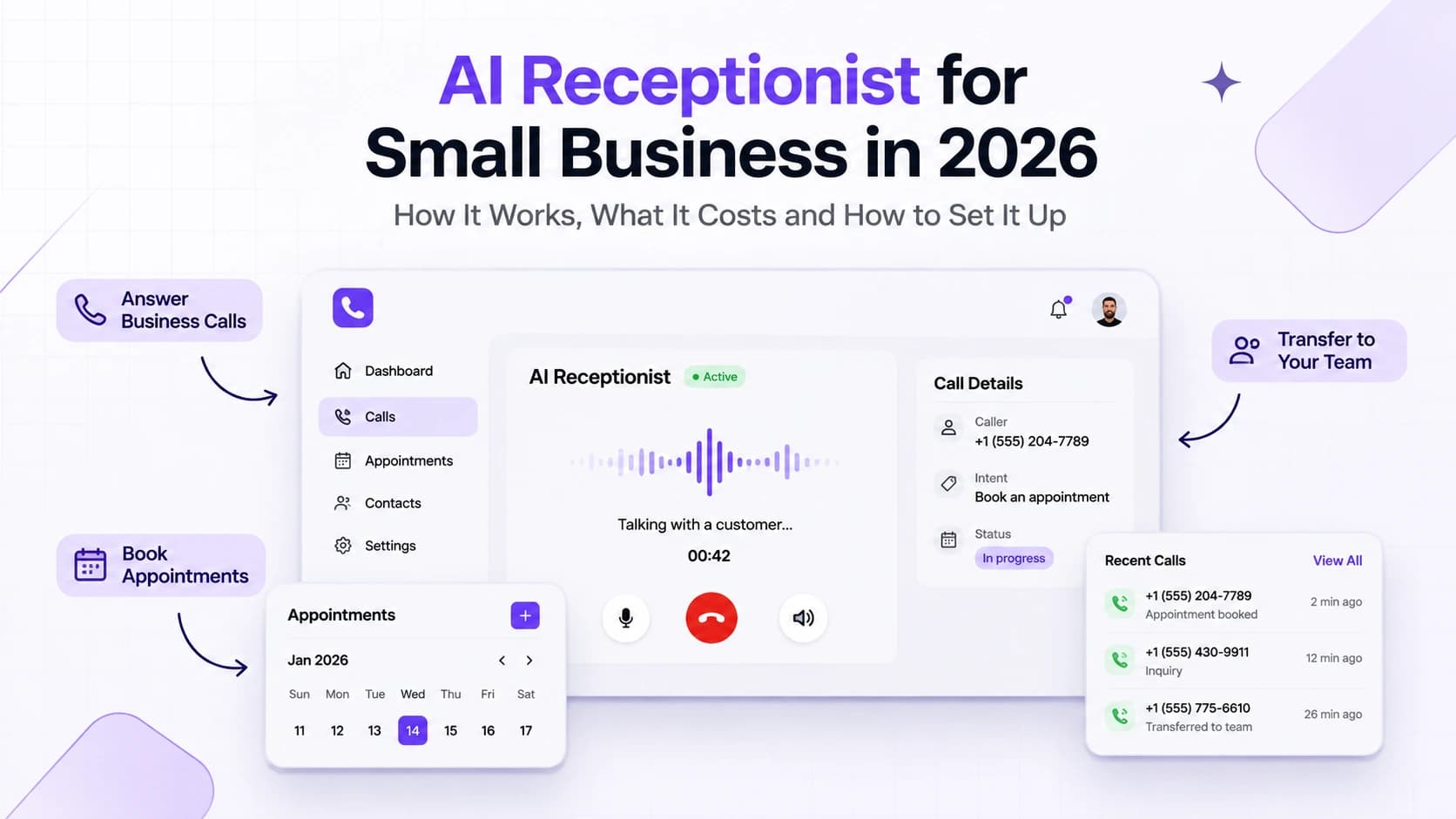
A missed phone call can mean a lost appointment or a customer who chooses another business. A receptionist may be busy helping someone at the front desk while the phone keeps ringing. After business hours there may be nobody available to answer at all.
An AI receptionist offers another way to handle these calls. It can answer common questions and collect customer details. It can also check appointment availability and pass complex requests to a person. The aim is to give routine calls useful attention while employees focus on work that needs them.
This guide explains how an AI receptionist works in 2026. It also covers pricing and setup choices for small businesses considering one.
What Is an AI Receptionist?
An AI receptionist is a voice assistant connected to a business phone number. When someone calls it listens to the request and responds using spoken language. It follows business instructions and may connect to calendars or customer records to complete approved tasks.
An AI receptionist can ask a follow up question and respond to the answer. For example a caller might ask for the next available appointment rather than choosing from a fixed menu.
An AI phone receptionist can cover calls outside office hours or during busy periods. Staff should remain available for requests it cannot handle.
How Does an AI Receptionist Work?
A customer calls an existing business number or a number connected to the AI system. The phone service sends the call audio to a voice AI application. The application interprets the caller's words and prepares a spoken reply based on approved business information.
For a booking request the system checks the calendar before offering a time. If the caller accepts it creates the appointment and confirms the details.
The practical setup needs a phone provider and a voice AI engine. It also needs business instructions and secure integrations plus a way to review call outcomes. A natural voice won't help if it books the wrong time or loses a customer record.
What Can an AI Receptionist Do for a Small Business?
Answer Calls and Common Questions
An AI receptionist can explain opening hours and service areas. If the assistant doesn't know an answer it should acknowledge that and direct the caller to staff rather than inventing a policy.
Book and Manage Appointments
A connected calendar allows the system to check available slots and create bookings. Depending on the integration it can also request changes or cancellations. The booking should be confirmed only after the calendar accepts it.
Capture Leads and Update Customer Records
For a new inquiry the agent can collect the caller's name and contact details with permission. It can record the requested service and send the information to a CRM.
Transfer Urgent or Complex Calls
A reliable setup needs clear escalation rules. Complaints and medical emergencies should not be handled like routine booking questions. An AI receptionist should recognize its limits and connect the caller to an appropriate person or approved emergency instructions.
Which Businesses Can Use an AI Receptionist?
Small service businesses often have predictable call patterns. Dental offices receive appointment questions. Home service companies receive requests for estimates. Real estate agencies need to capture inquiries when agents are away from their desks. Salons and fitness studios spend time handling bookings and schedule changes.
Healthcare businesses need stronger privacy controls. Legal firms need restrictions on what the assistant can say about legal matters.
AI Receptionist Cost in 2026
AI receptionist pricing depends on the type of product and the number of calls. Some services charge a monthly fee for an included number of calls. Others charge for the minutes used by the voice agent.
For example, Krovance's published Pro plan lists $149.99 per month for 75 answered calls. Retell AI's published pricing lists $0.07 to $0.31 per minute for its voice platform. These are vendor prices rather than an estimate from WanderCode. Prices change and telephone costs or add ons may apply.
For a custom AI receptionist the complete budget can include phone numbers and call minutes. Voice processing and AI model usage are another part. Calendar or CRM integration takes development work.
A useful budget starts with your average call duration and monthly volume. Read our AI automation cost guide for a broader explanation of model and infrastructure spending.
Ready Made AI Receptionist vs Custom Development
A ready made service can be a sensible starting point for a business with one location and a straightforward booking process. Setup may be quicker and the subscription can be easier to predict. The main limitation is how deeply the service can interact with existing software and company rules.
Custom development makes more sense when a business needs complex schedules or several branches. It may also be appropriate when customer information must pass through a private CRM or when call transfers require special logic. The business gains more control but takes responsibility for maintenance and testing.
Compare total operating cost alongside setup work and the quality of the customer experience. Start with the tasks callers actually need to complete.
How to Set Up an AI Receptionist
1. Review Real Call Reasons
Look at recent calls and identify repeated questions. Separate basic information requests from bookings and sensitive situations. Define what the AI should answer and when a person must take over.
2. Prepare Business Information
Collect opening hours and service descriptions. Confirm pricing policies and cancellation rules.
3. Connect the Phone System
Choose a phone provider that supports the required call routing. Test the transfer path before turning the system on for customers.
4. Integrate Calendar and CRM Tools
Connect only the systems needed for the first workflow. Booking actions should check availability and verify results. CRM updates should include enough context for staff to follow up. Our AI development services explain how custom AI can connect to business applications.
5. Test Calls Before Launch
Test noisy connections and unusual names. Try callers who interrupt or change their minds. The agent should ask for clarification instead of guessing. Teams also need to verify what happens if a calendar or AI service becomes unavailable.
What Should Businesses Watch Out For?
Natural speech is useful but accuracy is more important. The system must not claim an appointment is booked before the calendar confirms it. It also needs permission checks before exposing customer information.
Privacy requirements vary by location and industry. Tell callers when they are speaking with AI. Follow applicable consent rules for recording and retain only the information needed for the service. Limit access to transcripts and use clear data deletion policies.
Human handoff matters too. Callers shouldn't have to repeat their whole story after a transfer. Where allowed the system can share a short summary with the receiving employee. Track failed transfers and unresolved requests so the team can improve the workflow.
How Can You Measure Whether It Works?
Begin with missed calls and average response time. Track confirmed appointments and how often customers need a person. Review abandoned calls and incorrect answers. Compare these figures with the same measures before deployment.
A high number of answered calls is not enough. If callers are repeatedly confused or appointments are wrong the system creates more work.
Can WanderCode Build a Custom AI Receptionist?
WanderCode develops AI applications and connects them to existing software. Our Inside Sales CRM project shows work on structured lead workflows and customer records. Our Smart AI Router project demonstrates AI request routing and usage monitoring. These are related engineering examples rather than completed AI receptionist projects.
A custom receptionist would require discovery and implementation around a business's call workflows and connected systems. Our guide on integrating AI into existing business software explains the wider approach.
Frequently Asked Questions
Can an AI receptionist answer calls 24 hours a day?
Yes. It can be configured to answer outside normal business hours. The system still needs monitoring and a backup plan for service outages.
Can an AI receptionist book appointments automatically?
Yes if it has approved access to a scheduling system. It should check availability and confirm a successful booking before telling the caller it is complete.
Will an AI receptionist replace a human receptionist?
Not necessarily. It is often more useful as a first point of contact while employees handle unusual or sensitive requests.
Does an AI receptionist work with an existing phone number?
Often yes. A phone provider may support forwarding or another integration method. Compatibility should be checked before setup.
Is a custom AI receptionist worth the cost?
It depends on call volume and workflow complexity. A business with a simple schedule may prefer a standard service. A team with several systems and specific call rules may benefit from custom development.
Final Thoughts
The best results come from accurate information and dependable booking integrations. Clear human handoff rules matter just as much as the voice itself.
If your company is exploring an AI phone receptionist connected to its existing tools, contact WanderCode to discuss the requirements and a practical development approach.
Related Blogs
AI & Automation
How to Integrate AI Into Existing Business Software in 2026
Learn how to add useful AI features to existing business software without rebuilding it, from use cases and implementation to costs, risks, and ROI.
AI & Automation
How US Businesses Are Using MCP to Connect AI Agents With Business Tools in 2026
Explore how US businesses can connect AI agents to CRMs, support tools and internal data with MCP, plus practical use cases, costs and security controls.
AI & Automation
AI Coding Agents Are Writing More Code. Who Is Responsible for What They Ship?
AI coding agents can create code faster than teams can review it. Here is how to keep changes focused, assess risk, and retain clear ownership of production releases.
AI & Automation
The Real Cost of AI Automation in 2026: Where Your Money Goes and How to Cut the Bill
Understand where AI automation spending goes, from models and agent loops to RAG, infrastructure, and human review, and learn how to reduce the bill.